- Role
- Everything. Product, design, React Native code, Supabase backend, subscriptions, App Store submission, support.
- Team
- Solo
- When
- Dec 2024 – Apr 2025, ongoing
- Built with
- React Native, Expo, Supabase, RevenueCat, TypeScript, v0, Codex, Claude Code
01Context
Sloper began as a design concept in 2020: a climbing log with the kind of tracking runners and cyclists already have. It stayed a concept until December 2024, when I started building it myself.
02The call
Logging a climb had to be better than any other app out there.
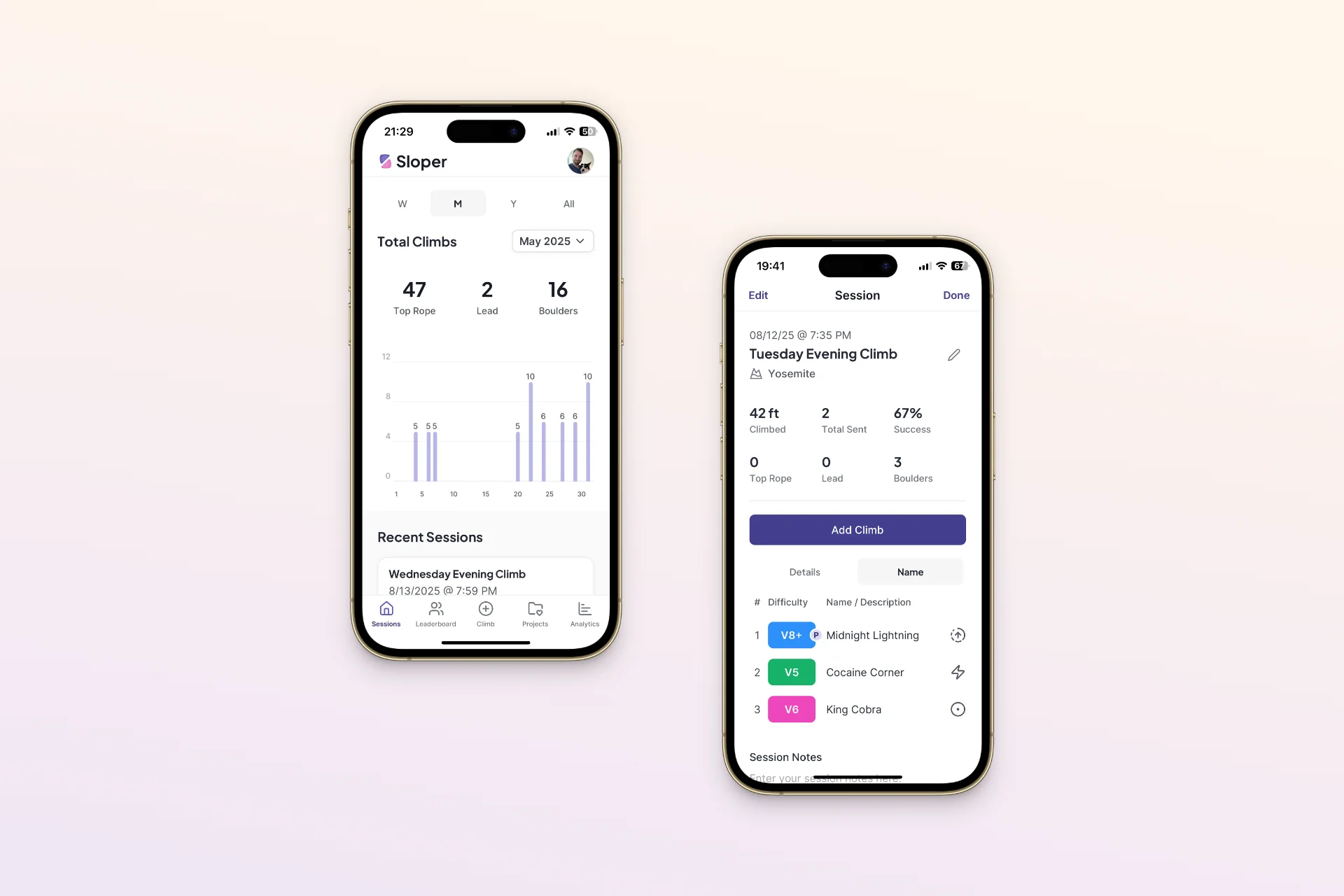
The climbing apps I’d tried had really rough UX. In some of them you’d go through several screens before you could log a single climb. That was the standard I wanted Sloper to beat, because analytics, projects and leaderboards all depend on people actually logging. So only type and grade are required, every other field is one tap or can be skipped, and Save stays in the header so you never have to scroll to finish.
- Tap Add ClimbIt opens from the session you're logging.
- Pick a type and gradeThe only required fields. Color, height, result, and name are optional.
- SaveBack to the session, with the climb in the table and the stats updated.
03Constraints
I had to do everything myself.
No engineering partner. Design, code, the backend, App Store submission and support were all on me, so everything had to be something I could figure out and manage on my own.
A climb belongs to two things.
A climb sits in tonight's session and in a project you work on for weeks, and the two can't disagree about it.
04Three decisions
Design the data before the screens.
I had never built a database from the ground up before Sloper. So a big part of the work was learning how schemas tie together, how those connections actually work, and the most efficient way to set up the tables I’d then surface in the design. The trickiest piece was letting one climb sit in tonight’s session and in a weeks-long project without the two ever disagreeing.
It was a new kind of problem for me, and I worked through it methodically. The structure held up: new features layer on top without reworking the database, so building the app has stayed an additive process.
The best feature should be free.
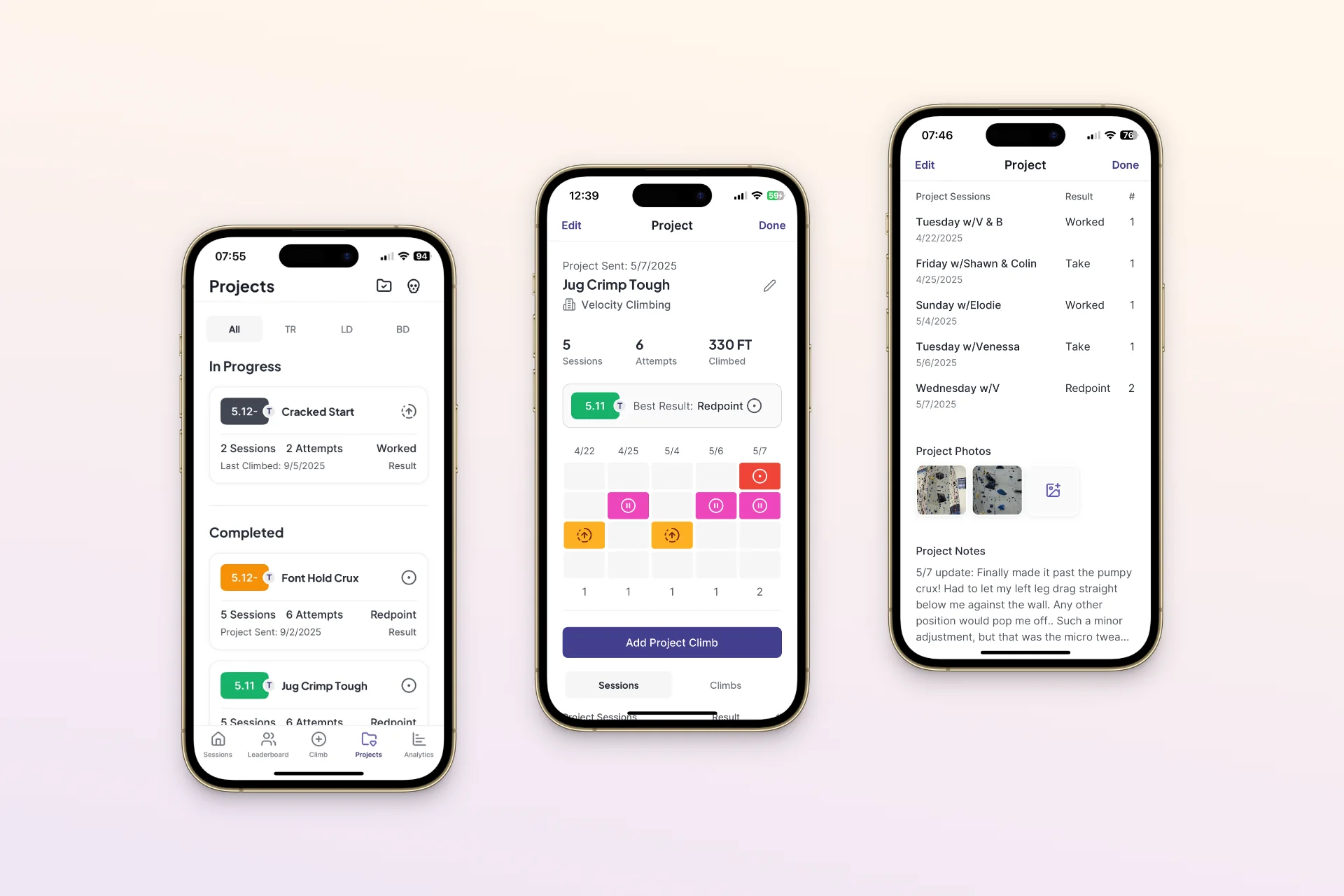
Sloper launched with everything behind a subscription, and it didn’t take long to see the problem. Logging is the best thing in Sloper, and I wanted the best feature to be free. If people couldn’t log a few climbs without paying, they never got far enough to see why the rest was worth it.
So I split it up. Logging, sessions, and basic stats are free, and analytics, projects, and leaderboards are premium. Conversions picked up after the change.
A leaderboard that's just for fun.
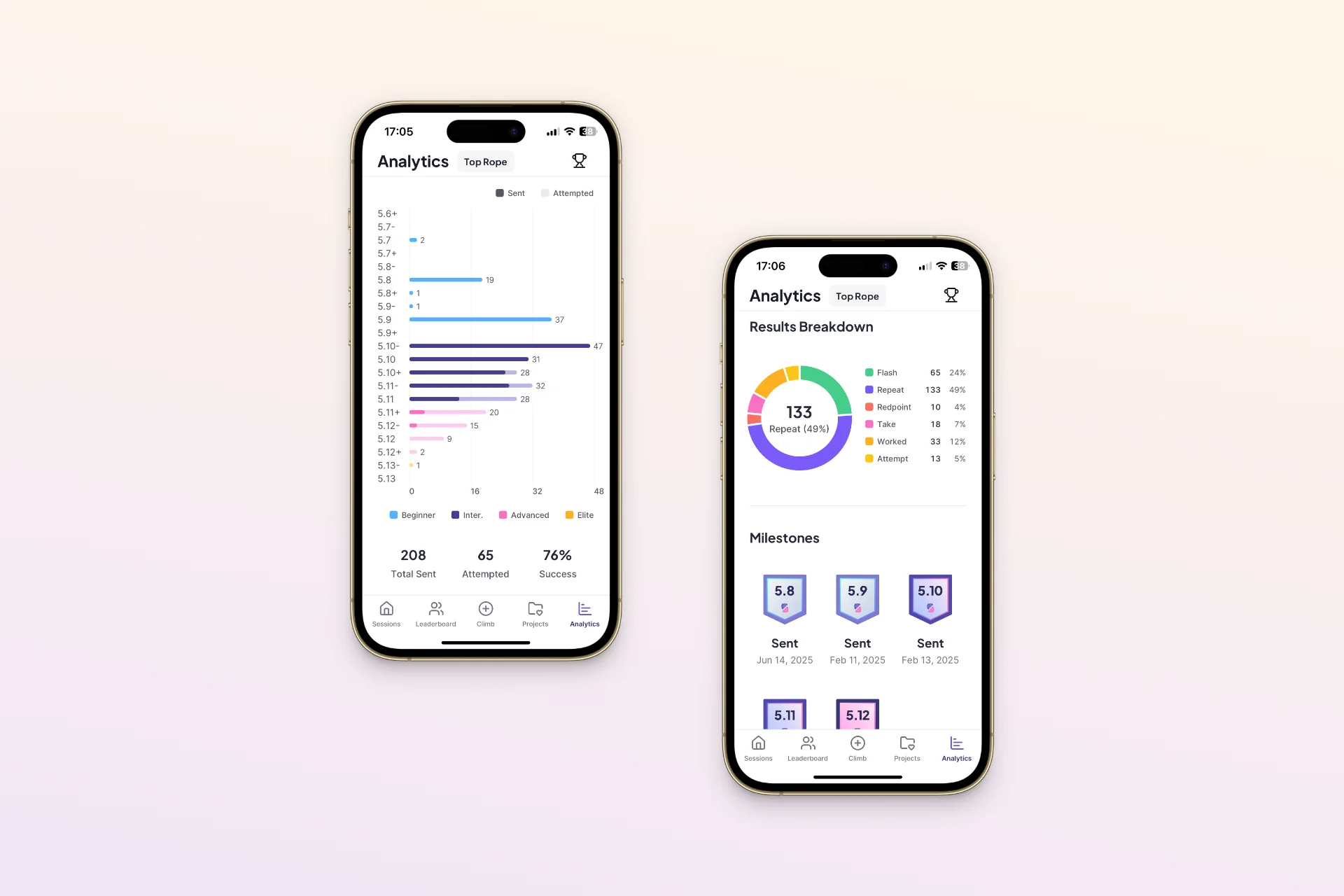
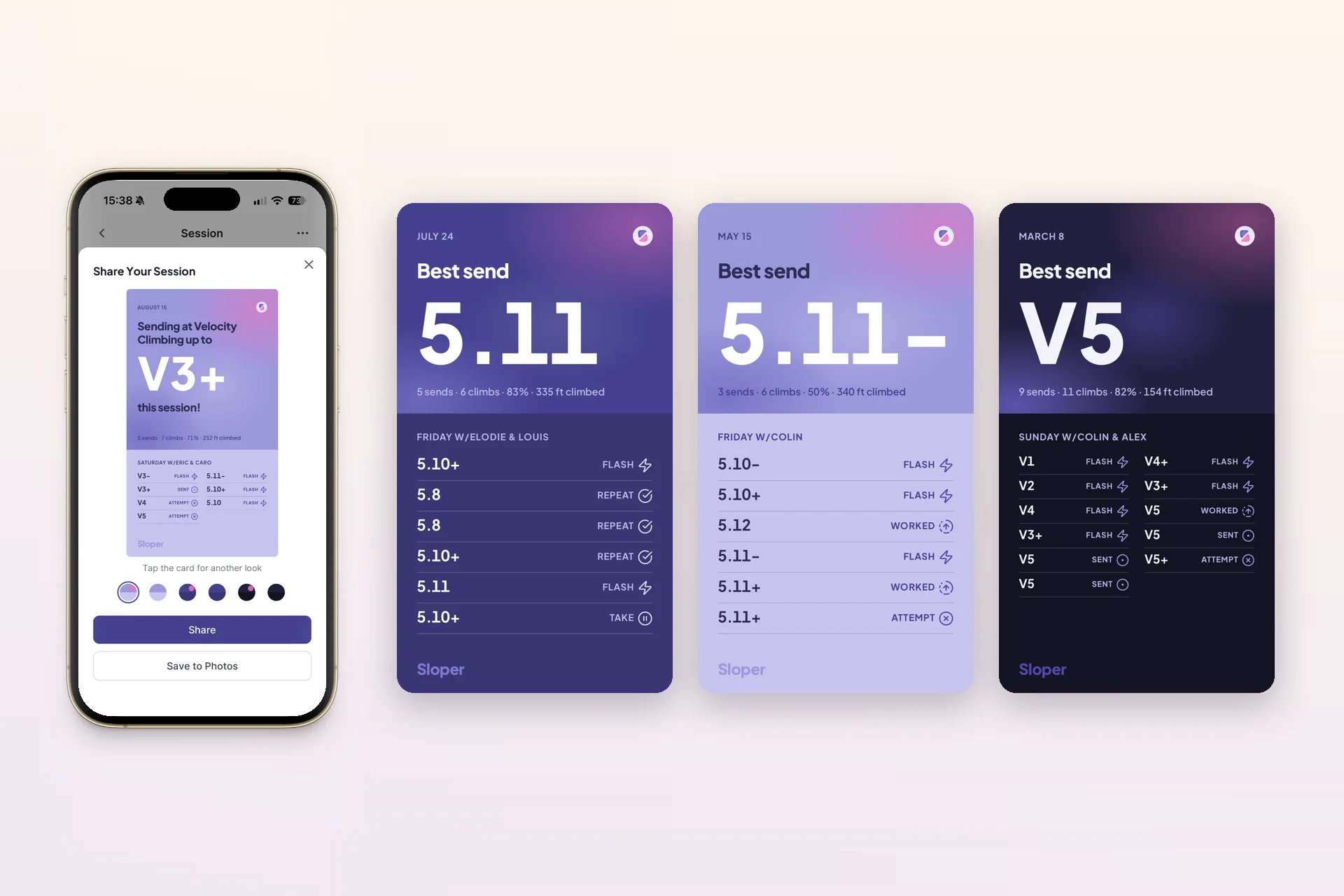
The leaderboard is a fun way to see your friends at the gym and what they’ve been working on. It’s a vanity metric, and that’s the point. Outside of an actual competition it’s really hard to say who’s at the top in climbing, so I had to get creative about what it ranks.
The main board is total feet climbed, and three more count the climbs you did in top rope, lead, and bouldering. That way there’s something on it for everyone, whether you climbed 2,000 more feet than your friends this month or 50 more boulders. It’s just for fun.
05Building it
From Figma file to the App Store.
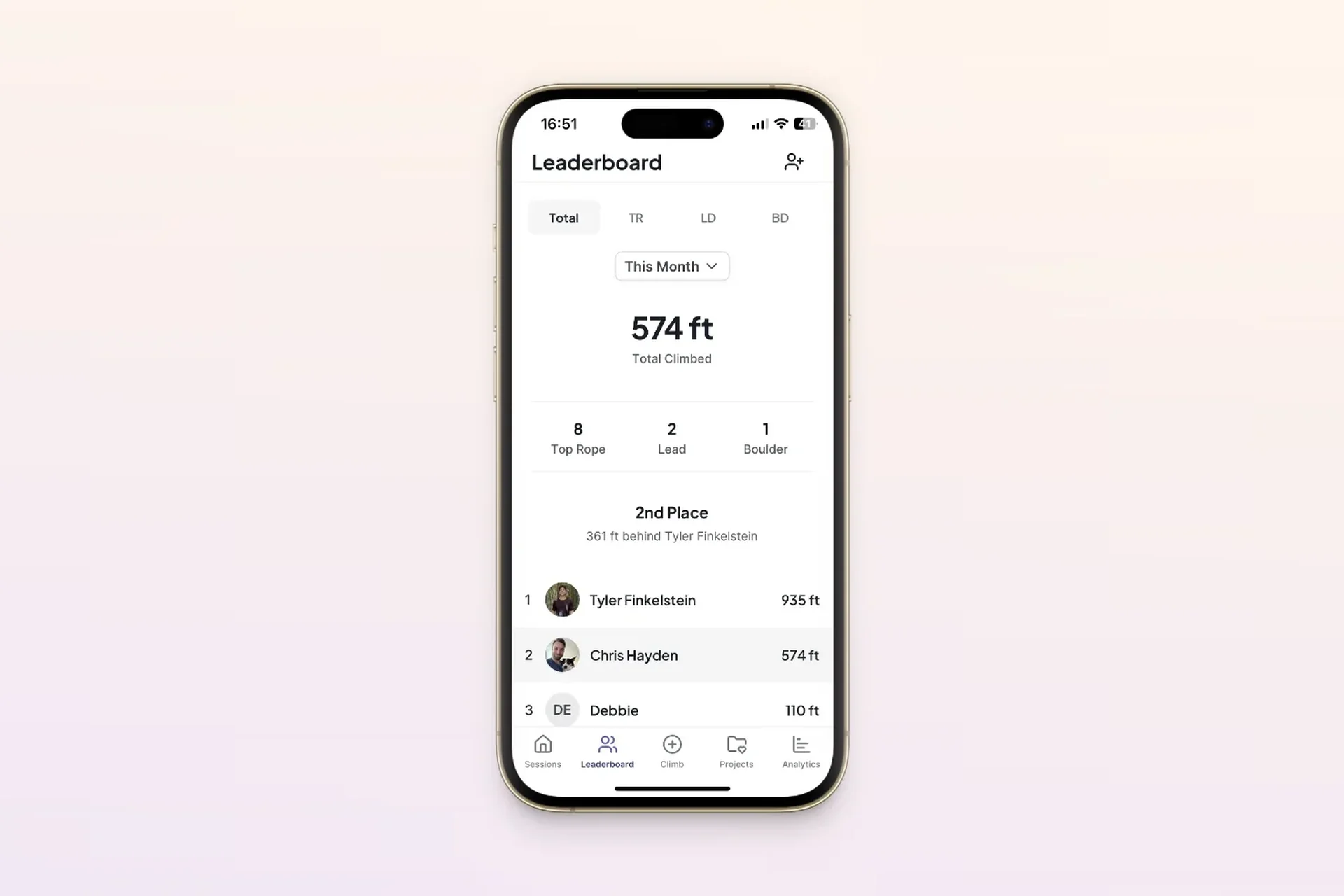
Sloper was a huge learning experience. I started pretty rough, in v0 with the Figma file open beside it, generating screens from my own designs and fixing a lot of what came back. Around version 300 the output started to degrade, and I’d hit the limit of what those AI app builders could do.
So, slowly but surely, I brought in a more professional process. I learned Git, moved the project into my own repo in VS Code, and optimized the database as the app grew. The work became more manual and LLM-driven: I’d give the model code, get it back, review it myself, tweak what needed tweaking, and then push it. The full story is in Learning to Build as a Designer.
- DEC 2024v0 + FigmaGenerating screens from my own designs, fixing a lot.
- ~V300Into VS CodeGenerated output degraded. Moved to my own repo and Git.
- THE HARD PARTThe data modelSessions, climbs and projects without conflicts.
- REVIEWApp Store reviewFour rejections, each fixed and resubmitted.
- APR 23, 2025Live on iOSAndroid followed. Still shipping updates.
06What happened
Today Sloper mostly runs on autopilot. New climbers trickle in, people are logging climbs every day, and I still tinker on it from time to time. I haven’t put much marketing behind it. It was a passion project, an app I built for myself, and maybe one day I’ll back it with the marketing strategy it deserves.
What it gave me has carried into every project since. Building Sloper taught me the designer and developer relationship in the most complete way possible. Usually there’s a handoff between those two roles, and knowledge gets lost in it. Designers don’t always understand why developers built something a certain way, and developers don’t always understand why a design takes the harder path because it’s better for the customer. Each role has constraints that aren’t always clear to the other.
Having been on both sides, I understand those constraints now, and it’s changed how I work at Wonderlic. I know how what I’m designing will actually get built, so I can answer a lot of the developers’ questions in a design review before they ask them. I’m not just designing the UI, I’m designing for the data.